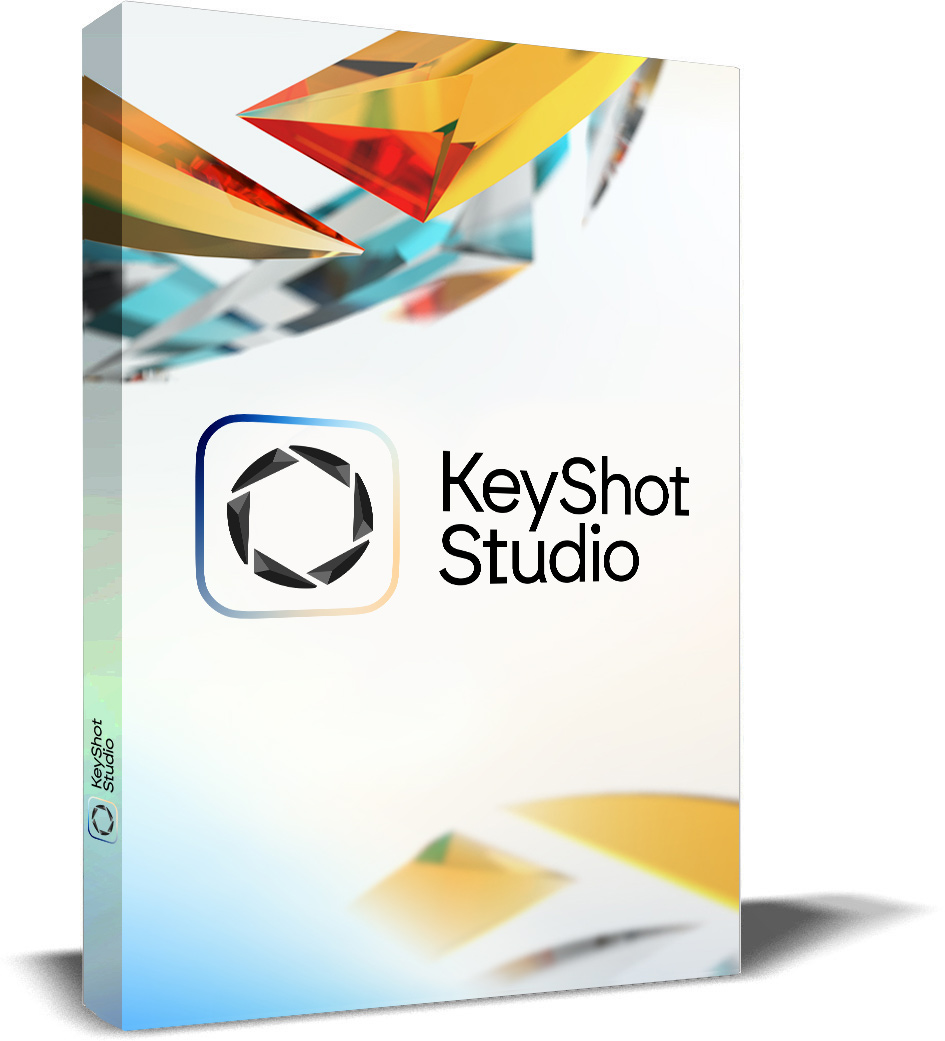
KeyShot Studio: KeyShot Studio - Professional - Annual
This product is only available as a download. (ESD - Electronic Software Delivery)
KeyShot STUDIO · Annual License · 12-month term
KeyShot Studio 2026
Professional | Business | Enterprise
Companies, educational institutions and public authorities can conveniently pay by invoice. There is no automatic renewal after the year ends – we will send you an attractive offer to renew your license in good time.
Officially certified 2026
Certified KeyShot expertise
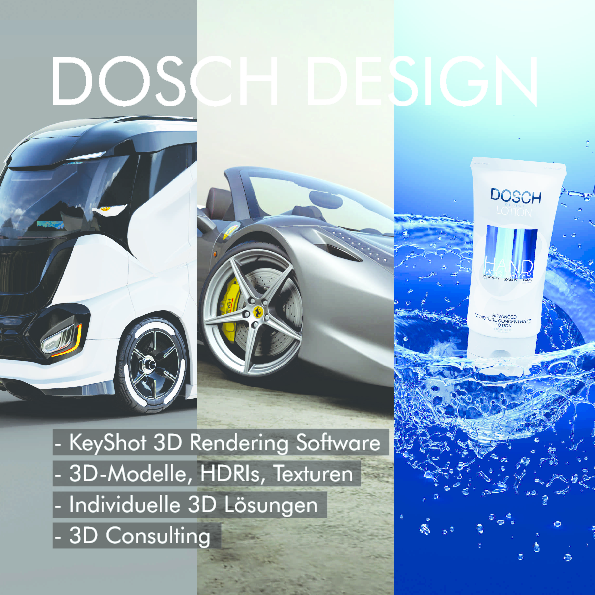
Officially recognized by KeyShot: DOSCH DESIGN is a Certified KeyShot Master, Certified KeyShot Studio Professional 2026 and an authorized KeyShot Training Center. As an official KeyShot partner you get licenses, advice, training and support from a single source.
14 days free & no obligation
Test KeyShot Studio Professional with full functionality
With the special KeyShot Studio 2026.2 trial version from DOSCH DESIGN you can save, export, try out every feature and render without a watermark and without any size limitation.
We will also gladly prepare an attractive offer for a KeyShot Studio license for you: info@doschdesign.com
KeyShot Studio Professional is the powerful 3D rendering and animation software known for its user-friendly interface and its ability to produce stunningly realistic images. It enables designers and engineers to quickly visualize and present concepts and products. KeyShot Studio Professional supports both CPU and GPU rendering, delivering maximum flexibility and performance when creating real-time renderings.
The software is used across many fields, including product design, engineering, packaging design and marketing. It supports a wide range of file formats and integrates seamlessly with numerous CAD programs. KeyShot offers features such as real-time changes, advanced lighting algorithms, an extensive material library and cloud integration for team collaboration.
With the ability to create highly realistic animations and visualizations, KeyShot Studio Professional is an indispensable tool for professional designers and engineers.
Editions
Three KeyShot Studio editions for every need
KeyShot Studio is now available in three editions – from a single seat for individual designers to a scalable enterprise solution. The full feature set is included in every edition; the editions mainly differ in license management and scaling. We are happy to prepare a tailored offer for you – pricing on request.
KeyShot Studio Professional
For individual designers, freelancers and small studios.
Included
- Full KeyShot Studio feature set
- Individual seat license
- Access to updates within the subscription term
KeyShot Studio Business
For design, engineering and marketing teams operating at scale.
Everything in Professional, plus
- Centralized seat management
- Transferable individual seats
- Network Rendering options
- Single Sign-on (SSO)
KeyShot Studio Enterprise
For organizations operating at scale.
Everything in Business, plus
- Network Rendering seats included
- KeyShot Studio VR included
- Custom procurement & legal terms
Included in every edition: real-time ray tracing preview, local AI (Restyle, Background & Imagine), drag-and-drop material system, Material Graph with procedural texturing, 30+ CAD integrations, animation & KeyShotXR, configurator, color-accurate output (Pantone, AxF), AI Denoise and continuous updates within the subscription term. We are happy to share pricing on request: info@doschdesign.com
Release Notes
What's new in KeyShot Studio?
From Apple GPU acceleration and cloud rendering to generative AI and new CAD integrations – an overview of the most important improvements in the latest versions.
2026.2 Apple GPU support, cloud rendering & more Current version
This release is made for power users: alongside the brand-new Apple GPU support and KeyShot Cloud Rendering, the update also squashes the 100 biggest bugs that used to get in the way of your workflow.
Apple GPU support (beta)
- NewHardware-accelerated ray tracing & direct rendering on Apple GPUs – in addition to NVIDIA & AMD on Windows
- On the latest M5 chips a massive speedup of 30–50× on some scenes, compared to rendering on Apple CPUs
- Supported on all M1 chips and newer; hardware-accelerated ray tracing from M3 onward (recommended for best performance)
KeyShot Cloud Rendering
- NewThe power of KeyShot now in the cloud – render product visuals faster and at the quality you need
- Supports both GPU-accelerated and CPU-based rendering – high-performance hardware without local limits
- Easily track and download cloud renderings across multiple machines
- Requires KeyShot Studio 2026.2
Node grouping in the Material Graph
- NewOne of the most-requested features is here: tidy up and organize complex material graphs
- Group individual nodes – with their own names, colors, inputs and outputs
100 bugs fixed
- Colorways now save reliably, even when colors are only referenced in submaterials
- Library search handles single words correctly – faster, more precise asset search
- Background renderings now appear automatically in the Gallery
- Cleaner GPU output with interior lighting (less image noise)
- Pattern tool greatly optimized – large model combinations are now generated significantly faster
Easier animations
- Create a new keyframe animation for any part/camera by simply setting the first keyframe – the previous preparatory step is gone
- Scroll the animation timeline horizontally using a side scroll wheel or Shift + scroll wheel
+Further upgrades
- Scripting: faster execution of large scripts; create, edit and delete object & camera keyframes via script
- Maya 2027 import directly into KeyShot Studio
- Better GLTF/GLB compression – exported models roughly 2–3× smaller
- GPU cutaway fix: the cutaway material now works in GPU mode just as well as in CPU mode
Official source
Full list of fixes in the official Release Notes 2026.2. All details on cloud rendering are available at keyshot.com/cloud-rendering.
2026.1 Improved AI Shots, custom pivot & more
AI Shots – greatly improved
- More realistic results thanks to a new, custom-built Qwen AI model (replacing Flux Fast from KS 2025)
- Background mode now with correct perspective & scaling
- Short prompts now deliver equally good results – no more lengthy prompt-writing required
- NewUpscaling – double or quadruple the resolution of renderings & AI Shots
- NewTransform Mode – adjust existing render/AI images afterwards via prompt
- NewReplace Mode – mask areas in the image and replace them precisely via prompt
- Still runs locally on your own hardware
Custom Pivot & Move Tool
- Multiple named custom pivots per part or group
- Move-tool gizmo in sync between the Real-time and Geometry view – no more duplicate tool
New Gallery
- New Gallery window as the central hub for all your render results
- Searchable, sortable, with folders & subfolders
Easier keyframe animations
- New “Per Keyframe” toggle shows keyframes directly in the Curve Editor
- Adjust easing curves while adding, moving or deleting keyframes at the same time
- Pauses are easier to insert
Scripting & headless rendering
- CAD metadata accessible via scripting (lux.sceneNode.getMetadata())
- Render animations in headless mode (renderAnimation())
- ~3× faster animation rendering in headless operation
New integrations
- IFC import (Industry Foundation Classes)
- Import PBR material information from USD files
- Updated support for SolidWorks, Solid Edge, CATIA and NX
GPU performance
- Faster material evaluation on the GPU
- Significantly faster rendering with complex materials
- Faster marquee selection in scenes with many parts
Usability updates
- New ground planes are now added only to the active model set
- User avatar + navigation in the top right of the ribbon (account, support, manual)
- Marquee deselect via Ctrl+Shift+Drag (Win) or Cmd+Shift+Drag (Mac)
2025.3 Faster workflow & new tools
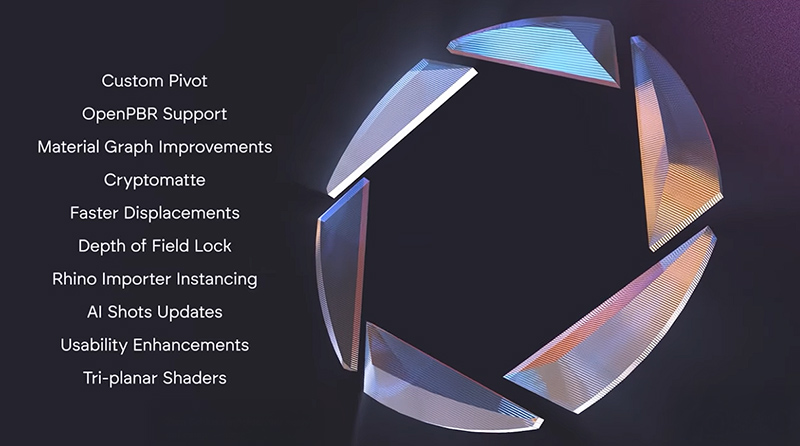
Speed up your workflow with the 2025.3 update! KeyShot Studio is continuously improved to support your design workflow as well as possible – with the new custom pivot tool, Open PBR, Cryptomatte, the depth-of-field lock, up to 85 % faster displacement maps, up to 50 % higher AMD performance and much more.
- New depth-of-field lock in the camera settings
- Custom pivot point in the Move tool
- Improvements to the Material Graph: now dockable and easier to use
- Light Layers: axis to lock the light position
- Significantly faster displacements (in some cases up to 85 % faster)
- Open PBR support for Rhino and Blender users
- AI Shots update: compare AI-generated images and set one as a backplate with a single click
- Up to 50 % higher AMD performance
- Triplanar shaders
- Cryptomatte support
- Rhino importer instancing
Video covering the new features
2025.2 Generative AI & AMD GPU support
Version 2025.2 brings a number of important new features that speed up the workflow and expand creative possibilities. At the heart of it are the first-ever generative AI features: with the “Imagine”, “Background” and “Restyle” modes you can develop new ideas in an instant and accelerate your work – especially in product marketing. These tools do not replace traditional 3D rendering; they intelligently complement the proven ray-tracing engine.

The AI tools are included free with the subscription, run locally and fit into your existing workflow – with full control. With no credits or limits, you can keep generating ideas, styles and backgrounds until you find exactly the right one.



Another key addition is expanded hardware support: GPU mode, previously reserved for NVIDIA graphics cards, now also supports AMD hardware. This gives users considerably more flexibility when choosing powerful systems.
Additionally integrated:
- Light Layers & material randomization for more creative control over scenes and materials
- Improved color picker – a much-requested usability enhancement
- New SolidWorks plugin: converts CAD decals directly into KeyShot labels
- PANTONE© Duality colors for new, modern color options
2025.1 Fastest rendering & Planar Lights
There's fast – and there's lightning fast. KeyShot Studio 2025.1 delivers the fastest rendering performance to date and introduces brand-new lighting features, customer-requested UX updates and more.
Up to 20 % faster rendering performance
The latest version of Studio feels snappier and more responsive. Render times for bump and normal textures in GPU mode have also been accelerated – resulting in shorter frame times and faster visual noise resolution. Depending on scene complexity, you can expect up to 20 % better performance overall.
Planar Lights for easy softbox lighting
KeyShot Studio 2025.1 introduces Planar Lights that specifically emulate the softboxes used by real photographers – including barn doors whose dimensions and closing angle can be easily adjusted. This lets you reproduce common real-world lighting setups faster and more easily.

Fast & easy light positioning
A brand-new light positioning tool lets you place and aim physical lights easily – without a 3D move tool. Drag the mouse over the real-time image rendered in 2D to focus a light on the desired point, and use the scroll wheel to move it closer or farther away.

Up to 60 % faster exports
The new export mode creates 3D view objects in GLB, USD and KeyShot Web Viewer format, including an export preview to spot issues early. Texture resolution can now be adjusted on a per-part level to fine-tune the balance between quality and file size. Depending on the scene and hardware, exports can be up to 60 % faster.

Further updates & upgrades
- Scriptable re-tessellate – imported CAD files can be processed fully automatically via script
- Rounded edges in GPU mode – simulates realistic wear for lifelike renderings
- Better CAD integration for SolidWorks (new, more reliable plugin), Alembic (no more crash on n-gons) and Collada (security update)

- Hide parts in animations – the new “Hide Events” animation type controls the visibility of parts over time and works together with the existing opacity curves

Technical Requirements
System requirements
KeyShot is engineered to run fast on everything from modest hardware configurations to the most powerful systems. It uses all available CPU cores and scales performance almost linearly. Below are the minimum and recommended specifications for the latest KeyShot Studio version.
Platform
64-bit
Windows, macOS & Linux
Memory
min. 4 GB
16 GB or more recommended
Processor
Quad-core 1
Intel/AMD 64-bit with SSE4.1 or higher
Display
1080p / 15.6"
or higher
Graphics (UI)
OpenGL 2.0 2
for the user interface
Network
Internet
for product activation
Desktop
Windows 10 (22H2 or later) through Windows 11
Server
Windows Server 2019 through Windows Server 2022
Supported
macOS Sonoma 14 through macOS Tahoe 26
Note
Ventura 13 may still work but is no longer officially supported
Supported
Ubuntu 18.04 LTS (kernel 5.4) through Ubuntu 21.04
Other
Distributions with glibc version 2.23
GPU mode (optional – for GPU-accelerated rendering)
NVIDIA
- Consumer / Gaming: GeForce RTX 20, 30, 40 & 50 series 3, TITAN RTX
- Professional / Workstation: RTX A-series (A2000 to A6000); Quadro GV100, GP100, P400+, P1000+, P3200+, M2000+
- Minimum driver: 576.52 – if you experience performance issues or freezes, update to 591.44 or newer
- Multi-GPU with memory scaling via NVIDIA NVLink is supported
AMD
- Graphics cards: Radeon RX 7600 or higher
- Minimum driver: 23.30
- Multi-GPU possible – no memory sharing, no CrossFire/MGPU
AI Shots
- Recommended: any NVIDIA RTX GPU from the last three years with ≥ 16 GB VRAM (more VRAM = higher achievable resolution)
- Also possible on CPU, AMD (RDNA3+) and Apple ARM GPUs – however, NVIDIA offers by far the best performance
NVIDIA drivers later than version 572.61 contain a bug that can cause stutters or freezes when interacting with Windows Explorer. If you are affected, please update to driver version 591.44 or newer.
1 KeyShot uses all available CPU cores – more cores/threads result in faster render times.
2 KeyShot does not require a GPU to render; however, certain UI elements require a GPU with support for OpenGL 2.0 or higher.
3 Intel GPUs are not supported in GPU mode and may cause crashes. If you have integrated Intel graphics or an Intel GPU as the only card in the system, please refer to the corresponding note in KeyShot Support.
PDF Overview