KeyShot: DOSCH Key-Optimize
DOSCH Key-Optimize
Your KeyShot experts - when it has to be fast and turn out great
Render times too high, materials that don't look real or KeyShot crashing? We are your external KeyShot specialist department: you send us your scene, we review it and return it ready to render.
What can we do for you?
Our expertise - flexible across all areas of 3D visualization with KeyShot.
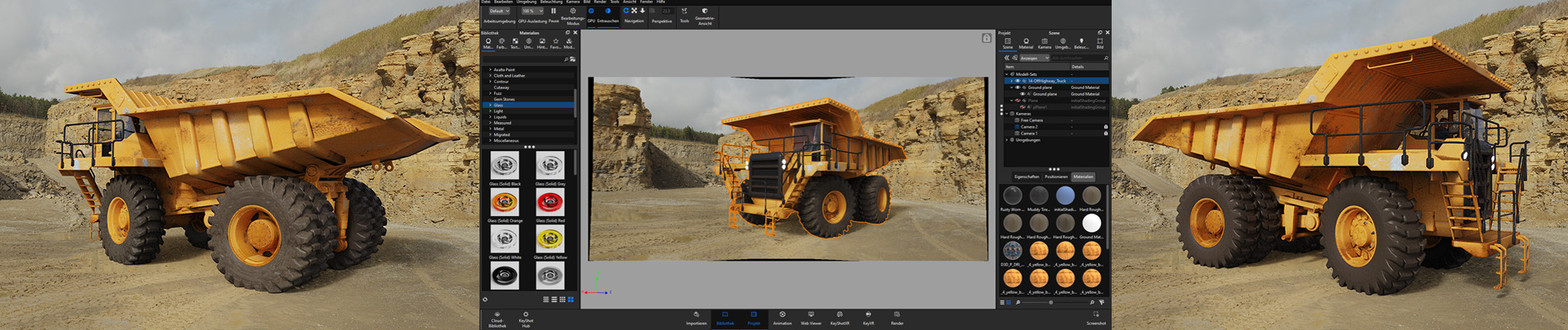
- Performance & render optimizationWe cut your render times dramatically (often 50-80 %): NURBS re-tessellation, geometry hygiene, optimized sampling rates and lighting setup, less data ballast.
- Realistic materialsDo your renderings look "flat"? We create physically correct materials and textures for photorealistic results.
- Error analysis & troubleshootingFast help with errors, crashes or import problems - ideal when things get urgent and simply have to work.
- 1:1 coaching & workflow optimizationWe look over your shoulder: via Teams/Zoom we optimize your workflow directly on your live project.
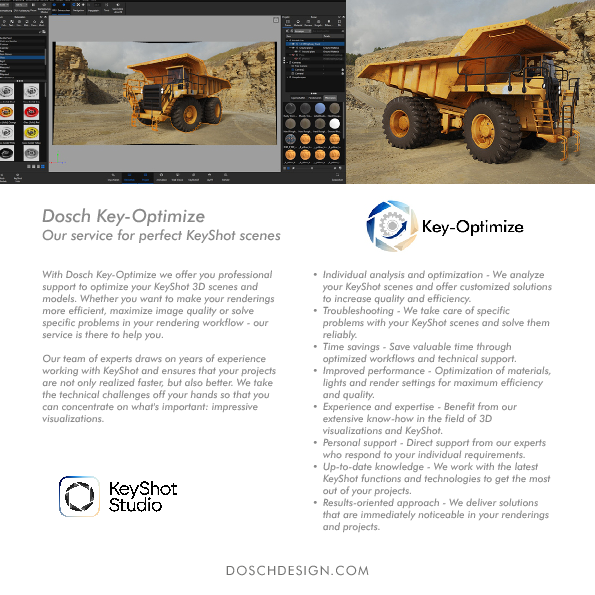
Before / After - the result speaks for itself
From an unoptimized scene to a render-ready KeyShot file.
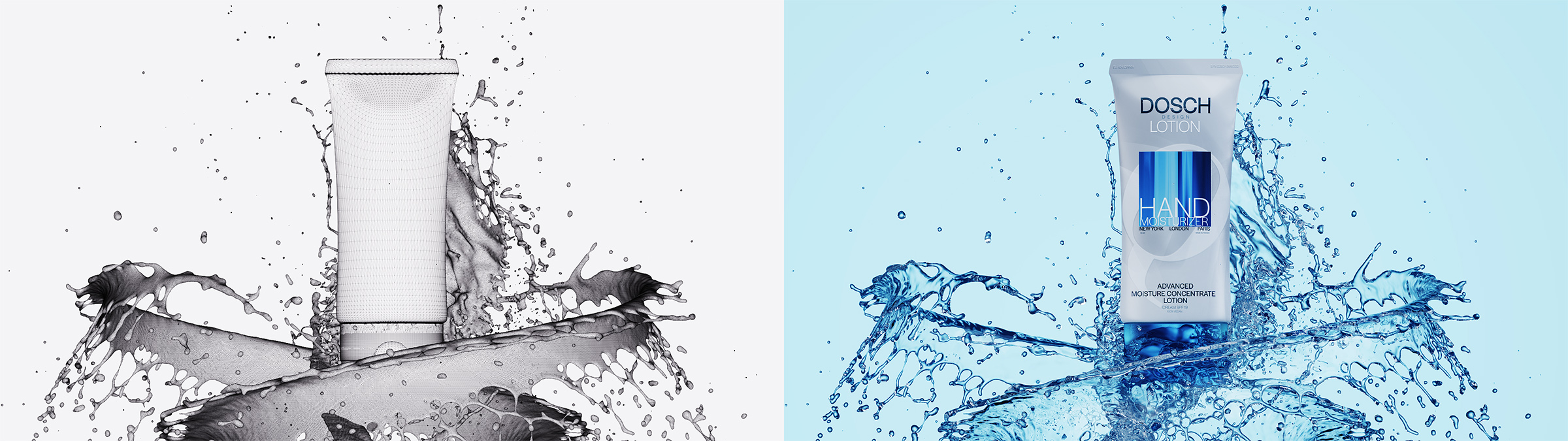
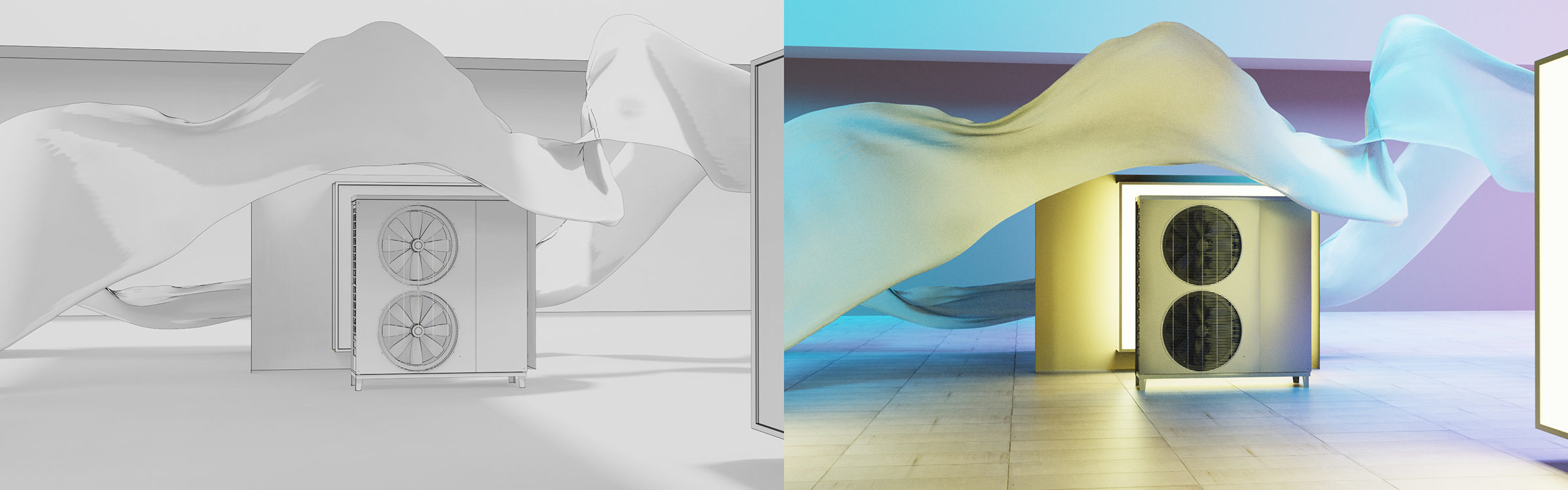
Results from real KeyShot projects. Actual render-time savings depend on the scene and starting point - typically 50-80 %.
Officially certified 2026
Certified KeyShot expertise
Officially recognized by KeyShot: DOSCH DESIGN is a Certified KeyShot Master, Certified KeyShot Studio Professional, Certified KeyShot Studio Materials Specialist and an authorized KeyShot Training Center. Your scene optimization comes straight from proven experts.
Getting started is easy
Three steps - straightforward and transparent.
- Review data & discuss the taskSend us your KeyShot file (.ksp/.bip) or CAD data and briefly describe your goal. We review the scene and get back to you.
- Quote for your solutionYou receive a binding quote - tailored precisely to your task.
- Fast implementationWe implement and return your scene ready to render - quickly and reliably.
What does it cost?
Our hourly rate is EUR 150 net (plus VAT). Smaller optimizations can be done from approx. EUR 300. We tell you the exact effort after a review of your scene - binding and transparent.
Ready for the difference?
Shorter render times, better results. Send us your scene - we'll take care of it.
Request a free quoteWe usually reply within 24 hours (business day).
Frequently asked questions
Do we have to hand over our scene - is it confidential?
How quickly do we get a response?
What does DOSCH Key-Optimize cost?
Can we have just a single scene optimized?
Do you also offer training instead of optimization, so we can do it ourselves?
Additional information (PDF)